Complete Minesweeper guide
Minesweeper: The Complete Guide to Rules, Strategy and History
By TropicGames · · 3 min read
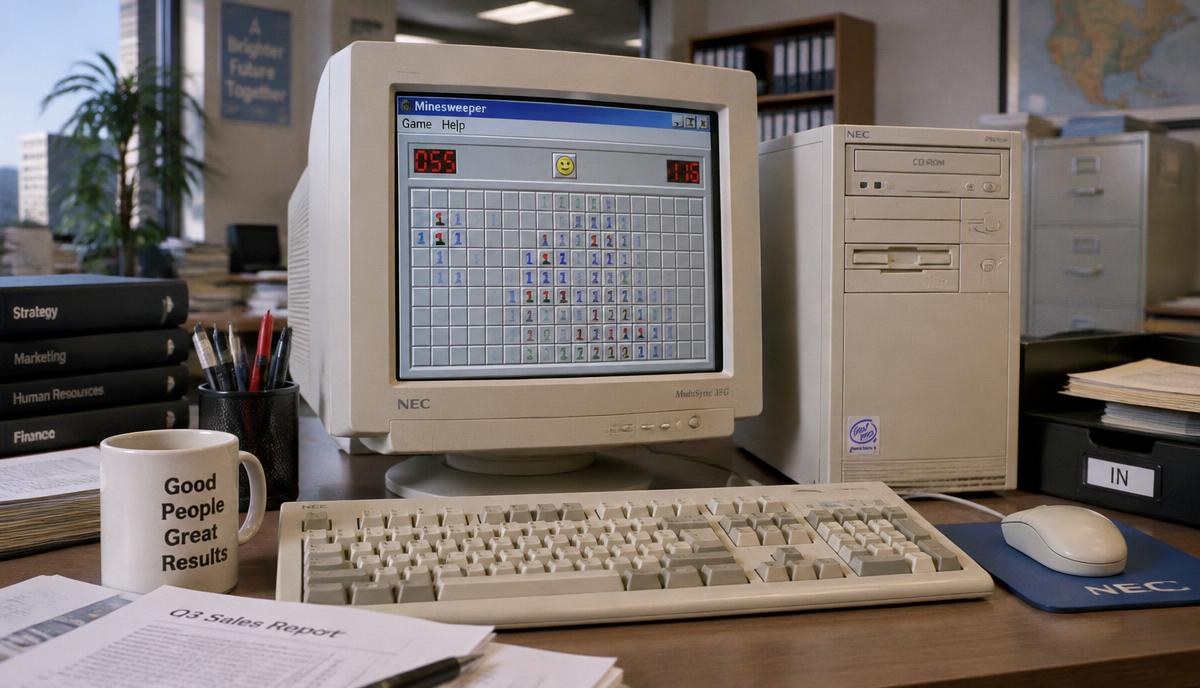
It's 3:45 on a Friday afternoon in an office somewhere in 1996. The boss is in a meeting. On a beige monitor, a grey grid sits half-cleared. A cursor hovers over one square. The smiley face waits.
Click.
A wave of empty squares spills open across the board, and someone at that desk lets out a tiny breath of relief.
That was Minesweeper. It came free with Windows, and it quietly became one of the most played computer games of all time — in offices, in school computer labs and on family PCs everywhere. Many people played it for years without ever quite understanding how it worked.
This guide is our hub for everything Minesweeper. Start here, then follow the links that pull at you.
What is Minesweeper?
Minesweeper is a puzzle game played on a grid of covered squares. Some of them hide mines. Your job is to uncover every safe square without clicking a mine. The clue is in the numbers: each number tells you how many mines are touching that square.
It looks like a game of luck. It's really a game of logic, with a little luck sprinkled on top.
How to play
Left-click to open a square. Right-click to put a flag where you think a mine is. Open every safe square to win. Click a mine and you lose.
Your first click on a new board is always safe. If the numbers confuse you, how to play Minesweeper explains them simply, with examples.
Patterns
After a while you start to see shapes. A 1 next to a 2 next to a 1 against a wall. A pair of 1s in a corner. Good players don't count every square; they recognise patterns and clear them in a blink. We collected the most useful ones in the Minesweeper patterns guide.
Chording and speed
Once a number has the right number of flags around it, you can click it to open all its other neighbours at once. This is called chording, and it's how fast players clear boards in seconds. See Minesweeper chording and speed tips.
Difficulty levels
- Beginner: 9×9 grid, 10 mines (8×8 before Windows 2000)
- Intermediate: 16×16 grid, 40 mines
- Expert: 30×16 grid, 99 mines
Each level asks something different of you. We explain them in Minesweeper difficulty levels.
Is it luck or skill?
Both. Most of the board can be solved with pure logic. But sometimes you hit a spot where two squares are equally likely, and you just have to guess. We look at the maths in is Minesweeper luck or skill?.
A little history
Minesweeper was written for Microsoft by Robert Donner and Curt Johnson, first released in a Microsoft Entertainment Pack around 1990, and then included with Windows 3.1 in 1992. It stayed with Windows for twenty years. The full story is in the history of Minesweeper.
Secrets
Yes, there was a cheat code. And question marks. And custom boards. We've gathered the little-known bits in Minesweeper secrets and the xyzzy cheat.
Play Minesweeper now
Our Minesweeper is a faithful copy of the classic Windows version: the grey raised squares, the red digital counters, the smiley face that gasps when you click, Beginner, Intermediate and Expert boards, flags, question marks and chording. There's even a flag-mode button for phones.
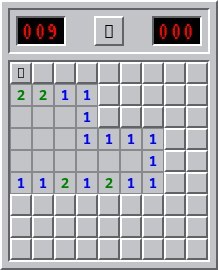
Go on. One quick game on Beginner. You know it won't be just one.
Quick answers
- How do you play Minesweeper?
- Left-click to open squares and right-click to flag mines. Each number shows how many mines touch that square. Open every safe square to win.
- What do the numbers mean in Minesweeper?
- A number shows how many of the eight squares around it contain a mine.
- Who created Minesweeper?
- Minesweeper was written by Robert Donner and Curt Johnson for Microsoft. It shipped in a Microsoft Entertainment Pack and then with Windows 3.1 in 1992.
Ready to play Minesweeper?
Play Minesweeper free →